Email Customization
TaxBandits provides several customization options to ensure the W-9/W-8 collection experience reflects your brand. When using RequestByEmail, you can customize the email sent to recipients with your own branding before the API call is made.
What Can Be Customized
- Logo and favicon
- Primary color theme
- "From" email address (the address recipients see the email as coming from)
- Sender name
- Support contact information
How to Apply Customization
There are two ways to apply email branding:
Option 1 — Developer Console
- Log in to the Developer Console and navigate to Email Customization.
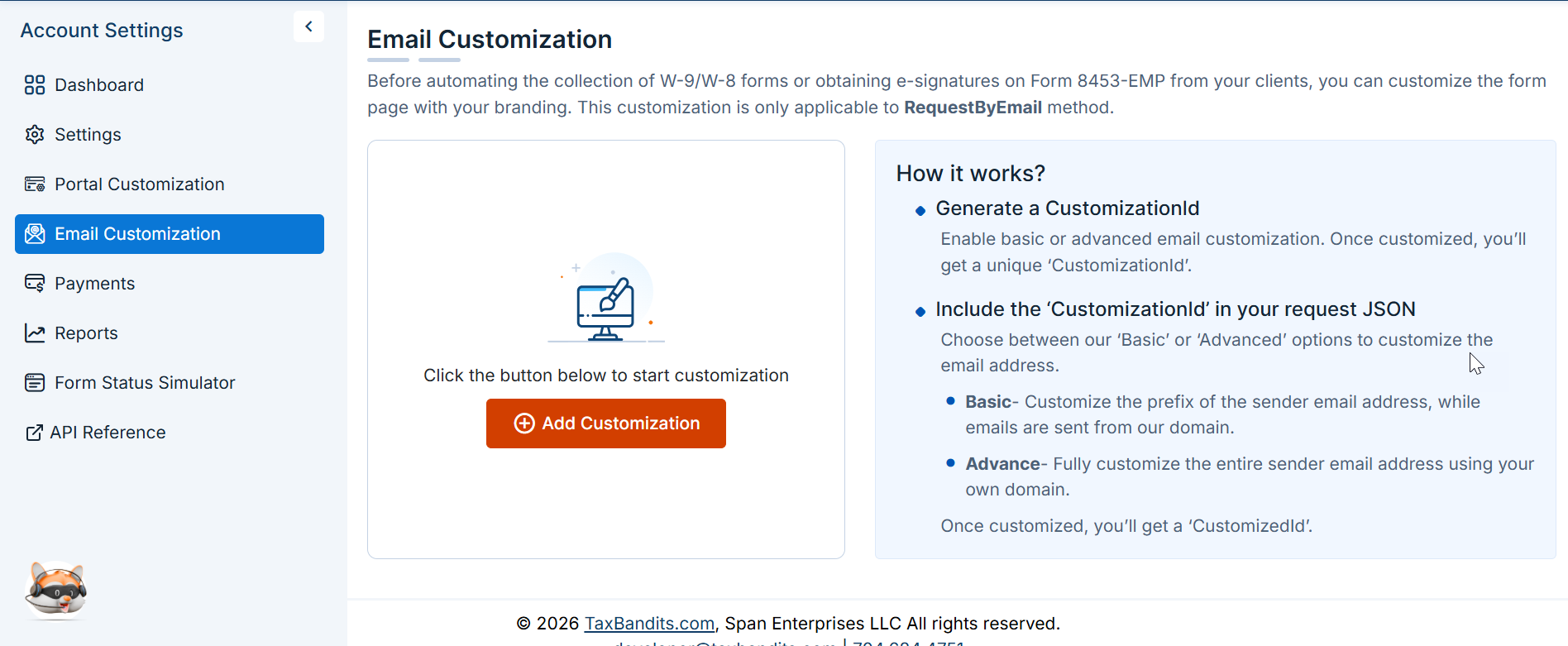
- Complete the setup to configure your sender details and visual elements. This generates an
EmailCustomizationId, which you then pass in the relevant API request.
Two setup modes are available:
- Basic — sets up a branded email address under the TaxBandits domain e.g., noreply@yourbrandname.biztaxconnect.com.
- Advanced — allows full customization of the From address, including your own domain.
Option 2 — Inline in the API request
Pass a Customization object directly in the request body for RequestByEmail, RequestByText, or RequestByUrl. This approach applies branding for that specific request without requiring a pre-configured CustomizationId.
Email customization applies to the outgoing email only. To ensure consistent branding on the form completion page (the secure URL the recipient lands on), configure the secure URL separately in the Developer Console. See How